Custom Indicators
Custom Indicators
This is the group functions used in the creation of custom indicators. These functions can’t be used when writing Expert Advisors and Scripts.
| Function | Action |
|---|---|
| HideTestIndicators | The function sets a flag hiding indicators called by the Expert Advisor |
| IndicatorSetDouble | Sets the value of an indicator property of the double type |
| IndicatorSetInteger | Sets the value of an indicator property of the int type |
| IndicatorSetString | Sets the value of an indicator property of the string type |
| SetIndexBuffer | Binds the specified indicator buffer with one-dimensional dynamic array of the double type |
| IndicatorBuffers | Allocates memory for buffers used for custom indicator calculations |
| IndicatorCounted | Returns the amount of bars not changed after the indicator had been launched last |
| IndicatorDigits | Sets precision format to visualize indicator values |
| IndicatorShortName | Sets the “short” name of a custom indicator to be shown in the DataWindow and in the chart subwindow |
| SetIndexArrow | Sets an arrow symbol for indicators line of the DRAW_ARROW type |
| SetIndexDrawBegin | Sets the bar number from which the drawing of the given indicator line must start |
| SetIndexEmptyValue | Sets drawing line empty value |
| SetIndexLabel | Sets drawing line description for showing in the DataWindow and in the tooltip |
| SetIndexShift | Sets offset for the drawing line |
| SetIndexStyle | Sets the new type, style, width and color for a given indicator line |
| SetLevelStyle | Sets a new style, width and color of horizontal levels of indicator to be output in a separate window |
| SetLevelValue | Sets a value for a given horizontal level of the indicator to be output in a separate window |
Indicator properties can be set using the compiler directives or using functions. To better understand this, it is recommended that you study indicator styles in examples.
All the necessary calculations of a custom indicator must be placed in the predetermined function OnCalculate().
What’s new in MQL5
MQL4 programmers have 8 buffers and 6 drawing styles to develop custom indicators. In MQL5, this set has been significantly increased up to 512 indicator buffers and 18 drawing styles. In addition, timeseries indexing (calculation from present to past) is not necessary to calculate indicator values. Such an approach is very convenient for developing EAs, but it causes difficulties when working with indicator buffers in loops. Now you are able to set the indexing direction in the arrays on your own, which greatly simplifies the development of indicators.
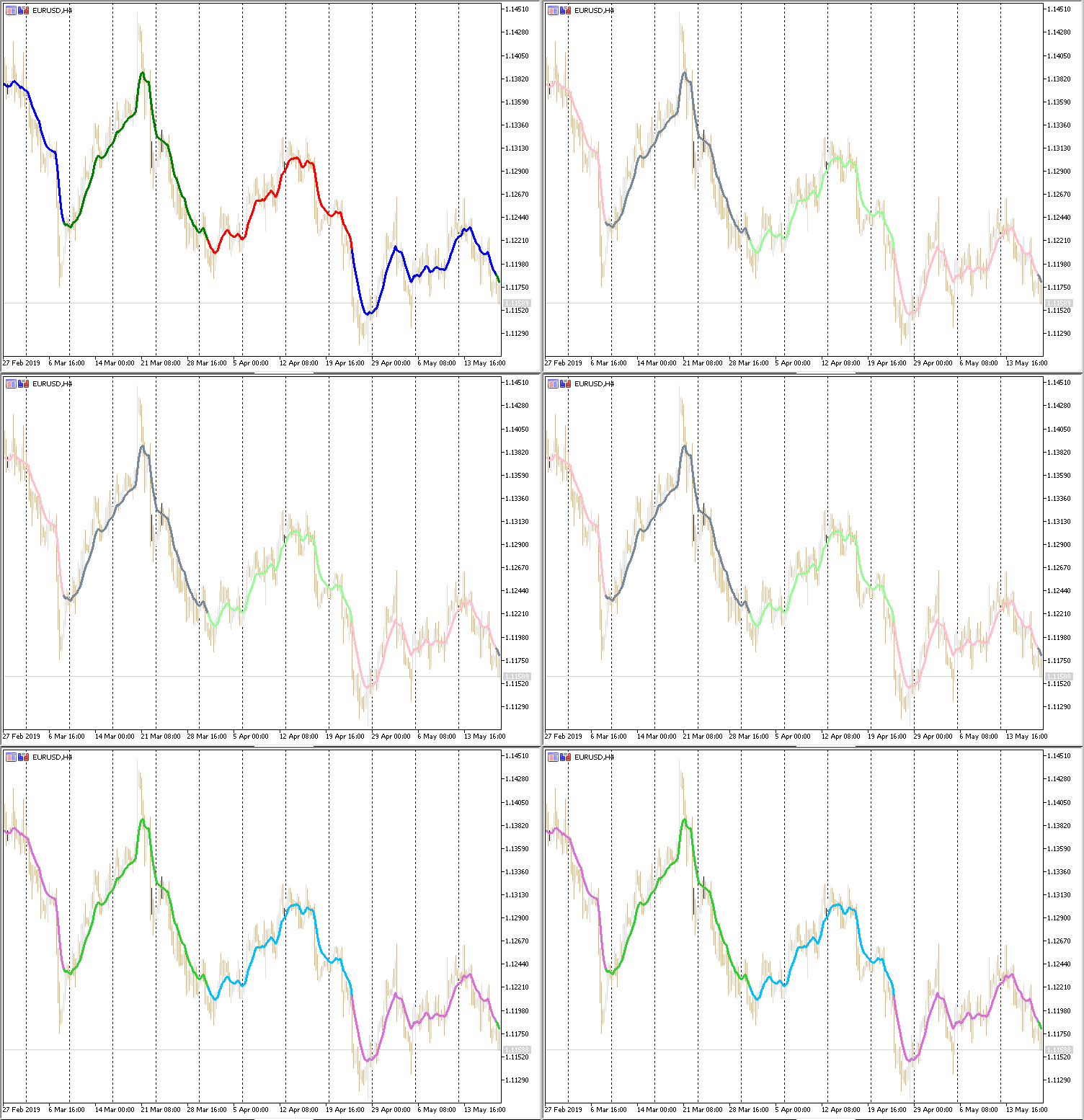
Another notable feature of MQL5 is the dynamic change of the drawing style using the PlotIndexSetXXX functions. For example, an indicator’s color, style, line width, as well as an arrow’s color and code can be changed on the fly if a certain condition occurs.
Also, added the OnCalculate() handler allowing to calculate indicator values based on another indicator. Thus, in MQL5, custom indicators can be superimposed on other indicators (for example, TEMA from MACD) allowing users to receive new combinations of indicators to quickly test ideas without programming.